Screenshot Otter

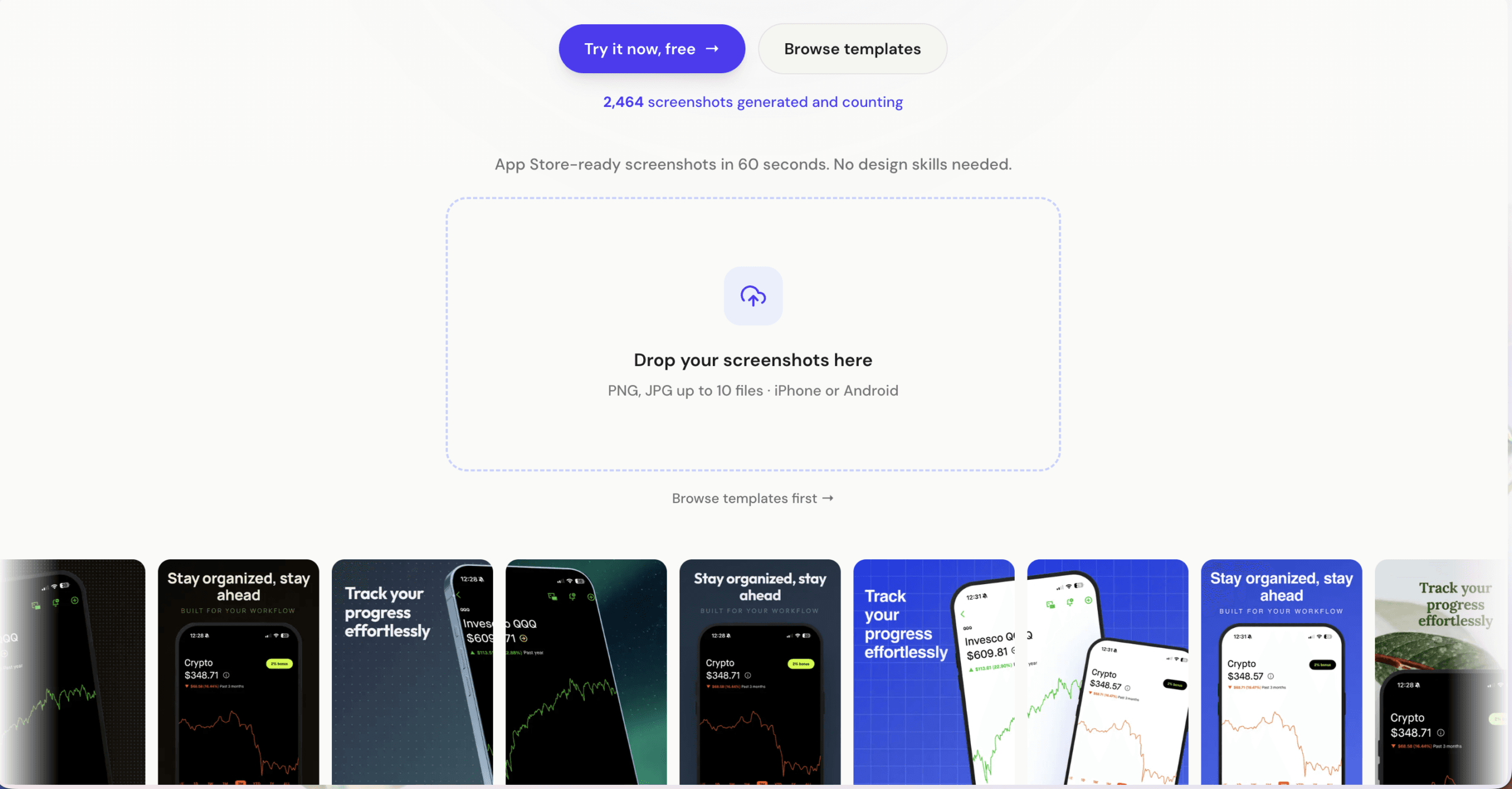
Screenshot Otter is a browser-based tool for creating screenshots with templates, AI captions, and localization baked in.
Last update : March 19, 2026
Rating: 4.6 ★

Store Compatibility:
App Store, Google Play

Technical level:
Beginner, No-code

Pricing Model:
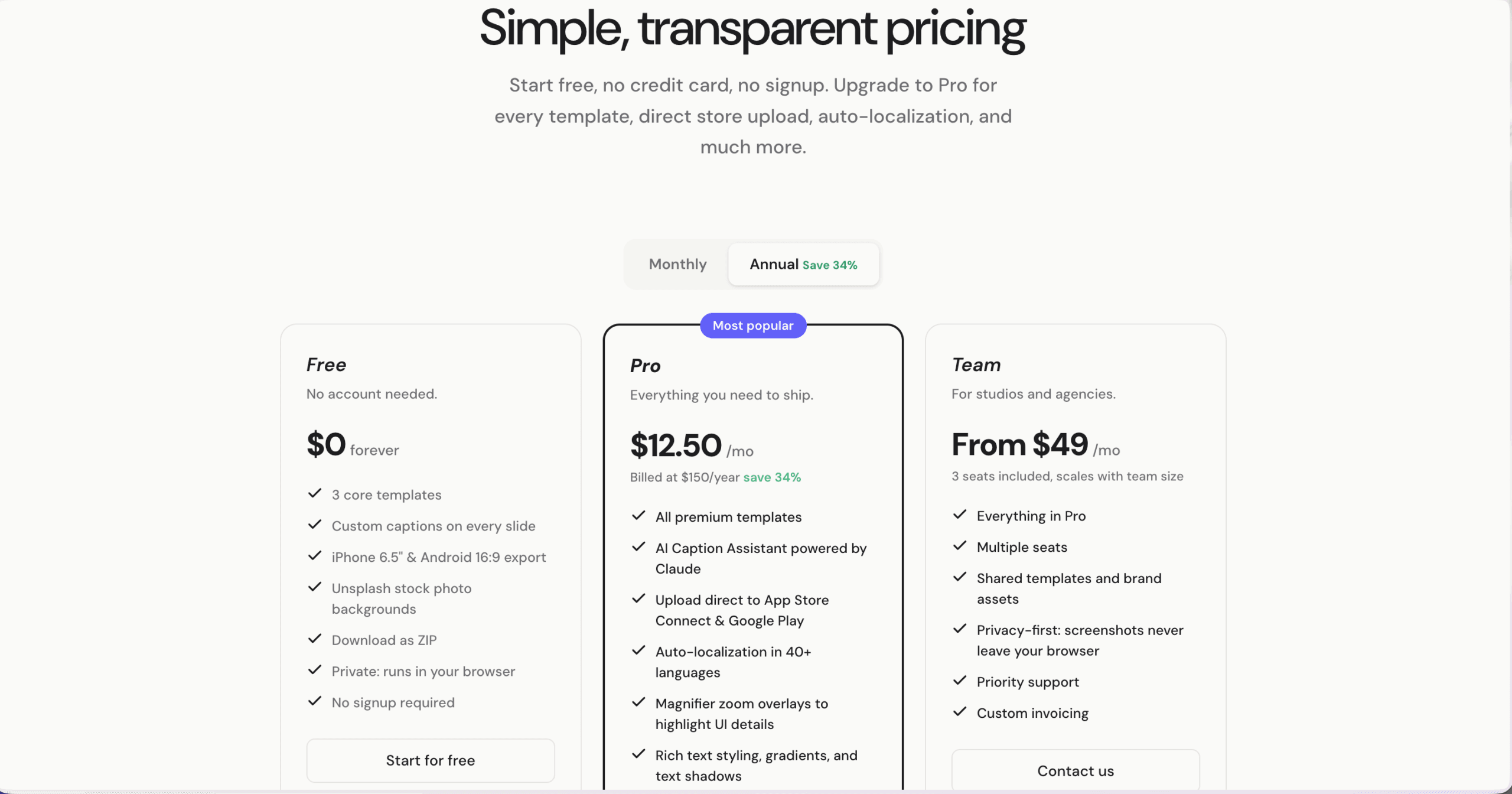
Free Trial, Subscription

Features:
  • Generate captions using Claude
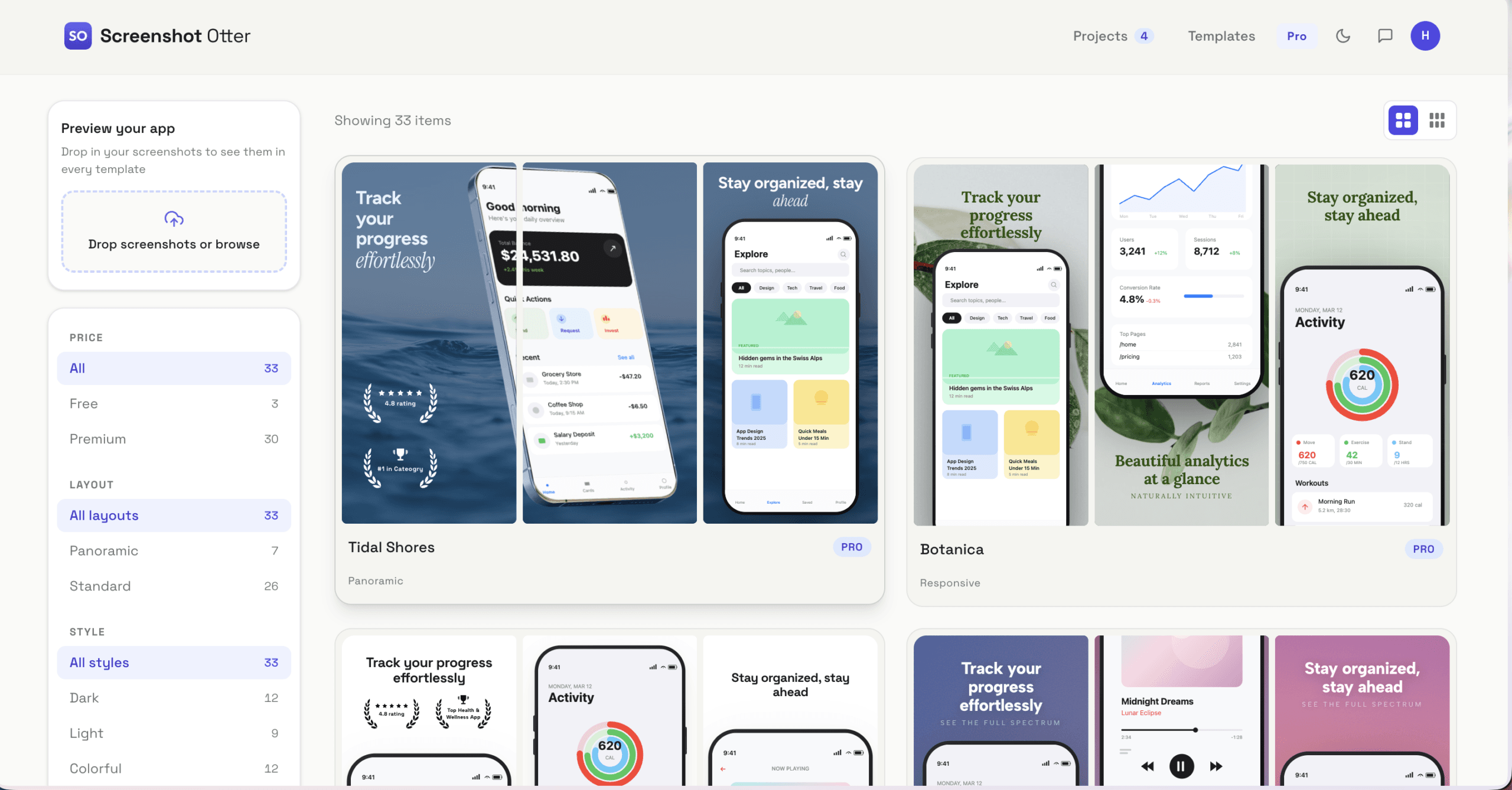
  • Access templates
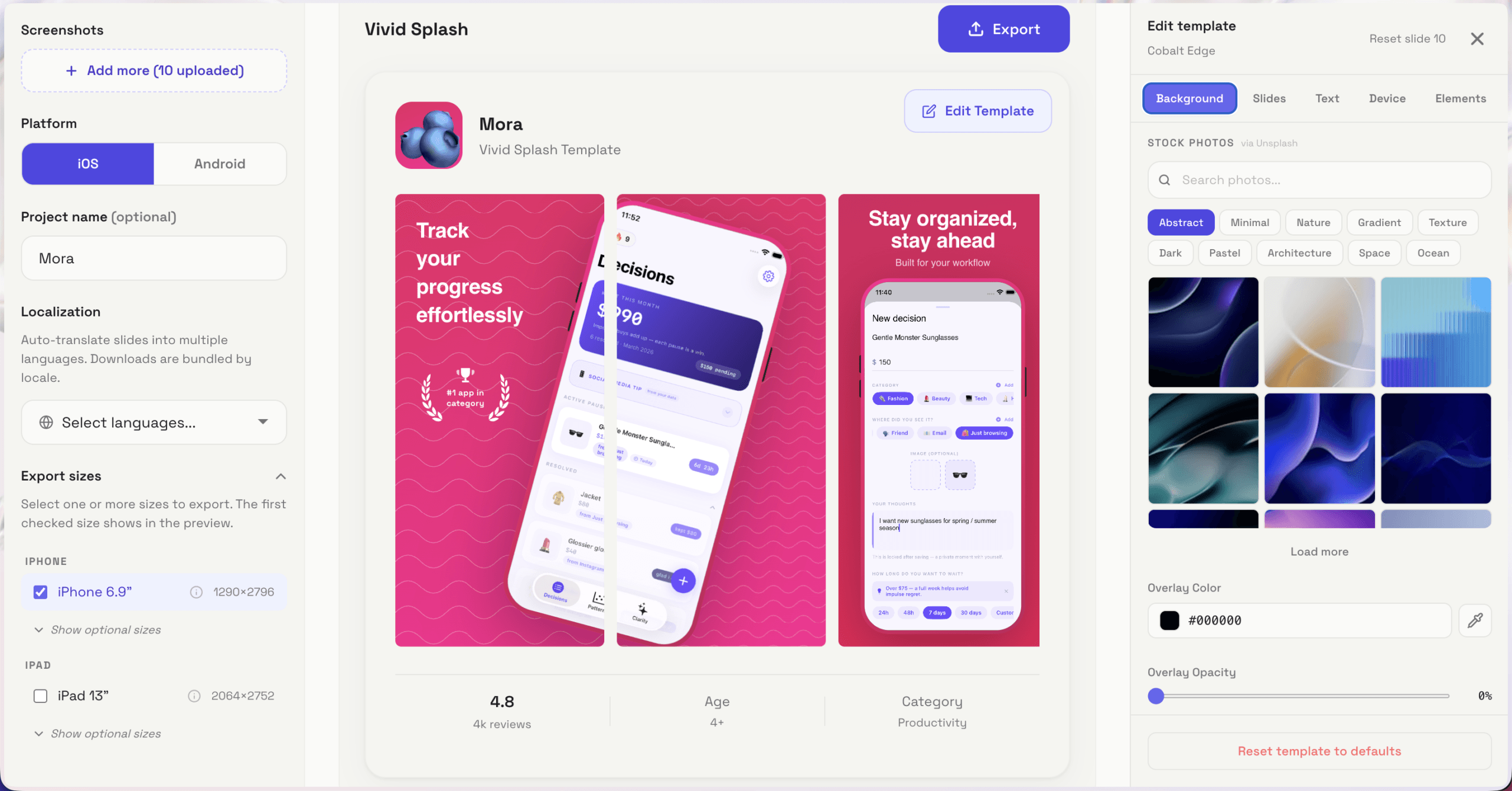
  • Auto-localize screenshots into 40+ languages
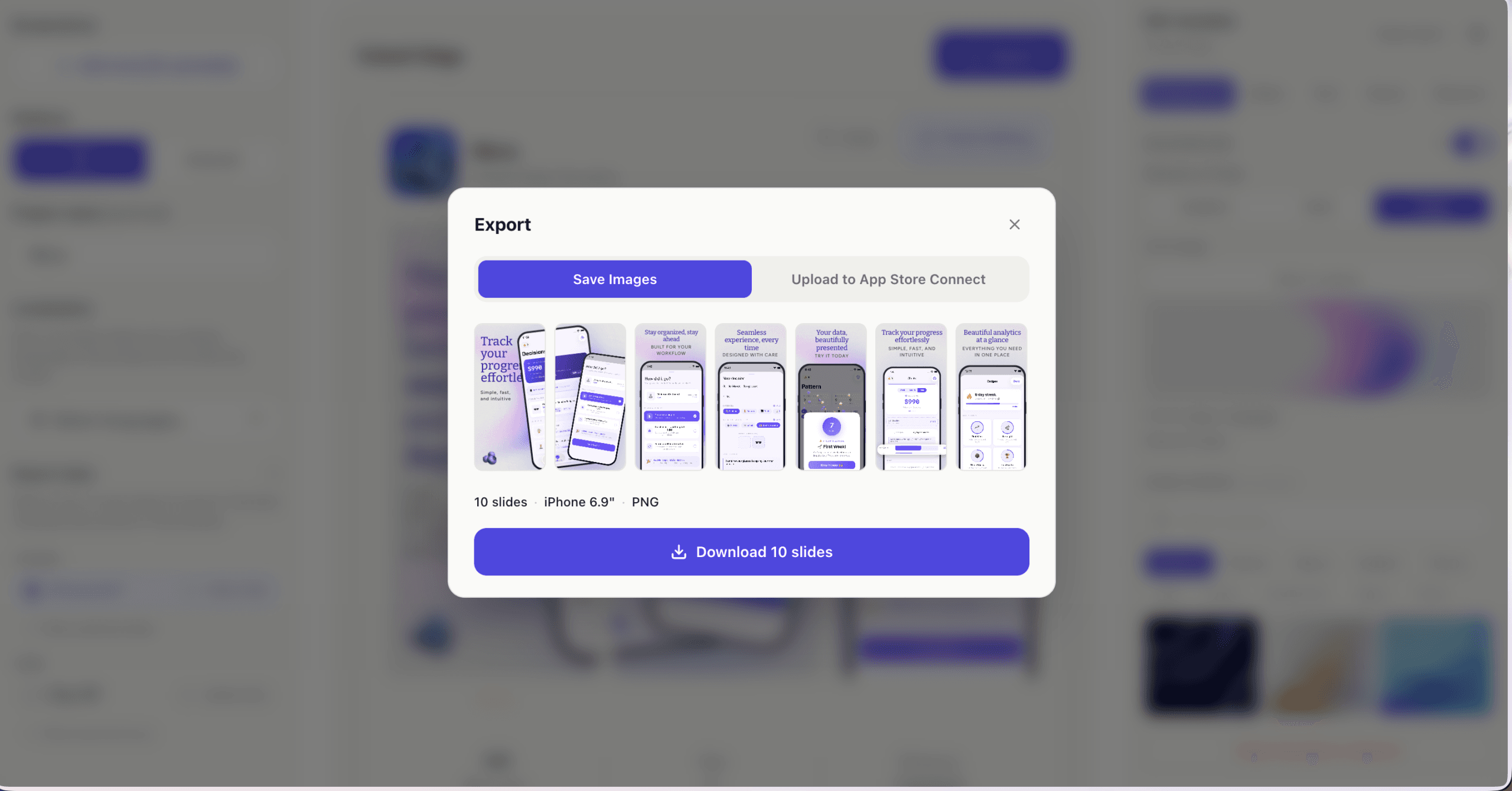
  • Export or push screenshots directly to stores
  • Preview screenshots across multiple templates
  • Add UI-focused enhancements

Screenshot Otter

Overview of features, pricing & details

What is Screenshot Otter

Screenshot Otter is a lightweight ASO screenshot generator with built-in AI captions and direct store publishing.

Screenshots

Pros

  • More affordable than most ASO screenshot tools
  • Built-in AI captions using Claude
  • Direct store upload is a real time-saver vs. export
  • Auto-localization is practical and usable
  • Fast iteration loop for CPPs or CSLs
  • Responsive support
  • New features launching regularly

Cons

  • Template quality is functional but not standout
  •  UI/UX still feels early
  • Bugs can interrupt workflow
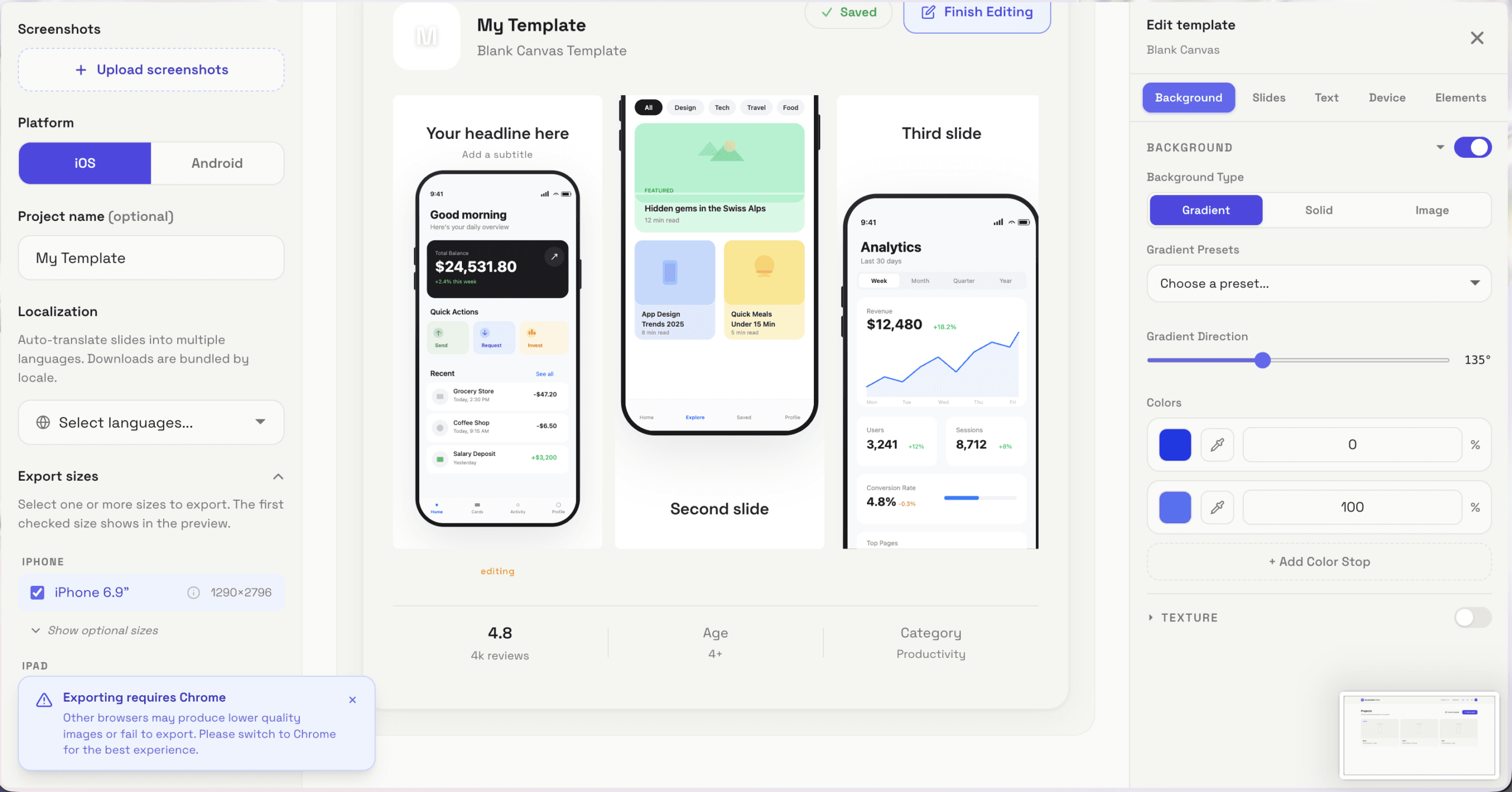
  • Chrome-only export
  • Not suited for high-end ASO screenshots creation

Summary

Screenshot Otter is a browser-based tool for creating App Store and Google Play screenshots with templates, AI captions, and localization baked in.

It targets indie devs and small teams who want to move fast without dealing with heavy design tools.

It makes sense when you care more about shipping decent screenshots quickly than crafting highly custom, design-heavy creatives.